What to do with all the quotes you screenshot and forget
Collecting quotes is probably one of the oldest human habits there is. I can easily imagine that the moment we figured out how to record knowledge in written form, on stone, on walls, on papyrus, on paper, the urge to keep a single line that moved us was already there. Words have an immense power to move us, so it’s natural that we’ve always looked for easier ways to hold onto them.
Fast forward to the 21st century, and most of us carry a little device in our pockets called a smartphone. One of its great conveniences is how much it can store for us to look at later. But that convenience has a flip side. We live inside hordes of data and information on these devices, and finding the one thing we actually want is often surprisingly hard. Now think about what that means for the quotes we try to save, as screenshots or as plain notes buried somewhere in an app.
Here’s how it usually goes. You’re reading a book, scrolling your feed, or watching something, and a line lands. You screenshot it, or paste it into a note, with the genuine intention of coming back to it. And then you never do. It disappears into a camera roll of thousands of photos, or into a note so long you stop scrolling. The quote is technically saved, and practically lost.
Why saving a quote isn’t the same as keeping it
A lot of people I know love to screenshot great quotes from their feeds, or repost them. But almost all of them admit the same thing: it’s next to impossible to recall a quote they saved a few days ago, let alone months back. The collecting felt good in the moment, and then the words vanished. I think that’s genuinely a shame, because the whole point of saving a line is to be moved by it again later. (Books are a particularly tough case, since the best lines hide in pages you might not reopen for months, so I gave them their own post: how to actually remember the best lines from the books you read.)
The problem isn’t you, and it isn’t that you save too much. It’s that the tools we reach for by default, the camera roll and the notes app, are built for storing, not for resurfacing. They hold your quotes, but they never hand them back to you. I ran into this exact wall with my own collection, which is part of why I built Kandou. I told that whole story separately if you’re curious.
What a quote actually needs to stay alive
Imagine a different setup. A place that stores your quotes, lets you look through them whenever you want, and, most importantly, brings them back to you on its own, without you having to remember to go looking. You set it up once, and the words you loved keep returning.
That last part is the piece everything else is missing. A collection you never revisit isn’t really a collection, it’s an archive you’ve forgotten the password to. What keeps a quote alive is being surprised by it again on an ordinary afternoon.
That’s the idea I built Kandou around. It’s a small iPhone app for collecting quotes, designed so your collection actually comes back to you:
- You save a quote, attribute it to whoever or whatever said it, and sort it into categories you make, with your own colors, icons, and emojis.
- You can search and filter the whole collection by text, source, or category, so finding a specific line takes seconds instead of endless scrolling.
- And the part that matters most: quotes rotate on a cadence you choose (daily, weekly, or your own), both inside the app and on a Home Screen widget. The line you saved months ago resurfaces while you’re just glancing at your phone.
No account, no tracking, everything stored on your device. It’s free for your first 15 quotes, then a one-time $4.99 unlock for the rest (what free includes and what Pro adds). No subscription, because you’re the one providing the content.
Quotes are meant to be shared
There’s another side to this that I care about a lot. I love sharing quotes I find inspiring, funny, or quietly profound, because you never know how a line is going to land for someone else. Sometimes it’s nothing. Sometimes the person holds onto it for years.
That’s why Kandou lets you turn any quote into an image you can share. You pick a quote and export it as a finished graphic, either as a Pin (the taller shape, good for Pinterest) or a Story (the vertical shape for Instagram, TikTok, and the like). You can keep it simple with Kandou’s own colors, or set your own photo or background behind the words, so the image carries something that actually means something to you. Let a quote resting on a photo that matters to you do the convincing, far better than I could here.
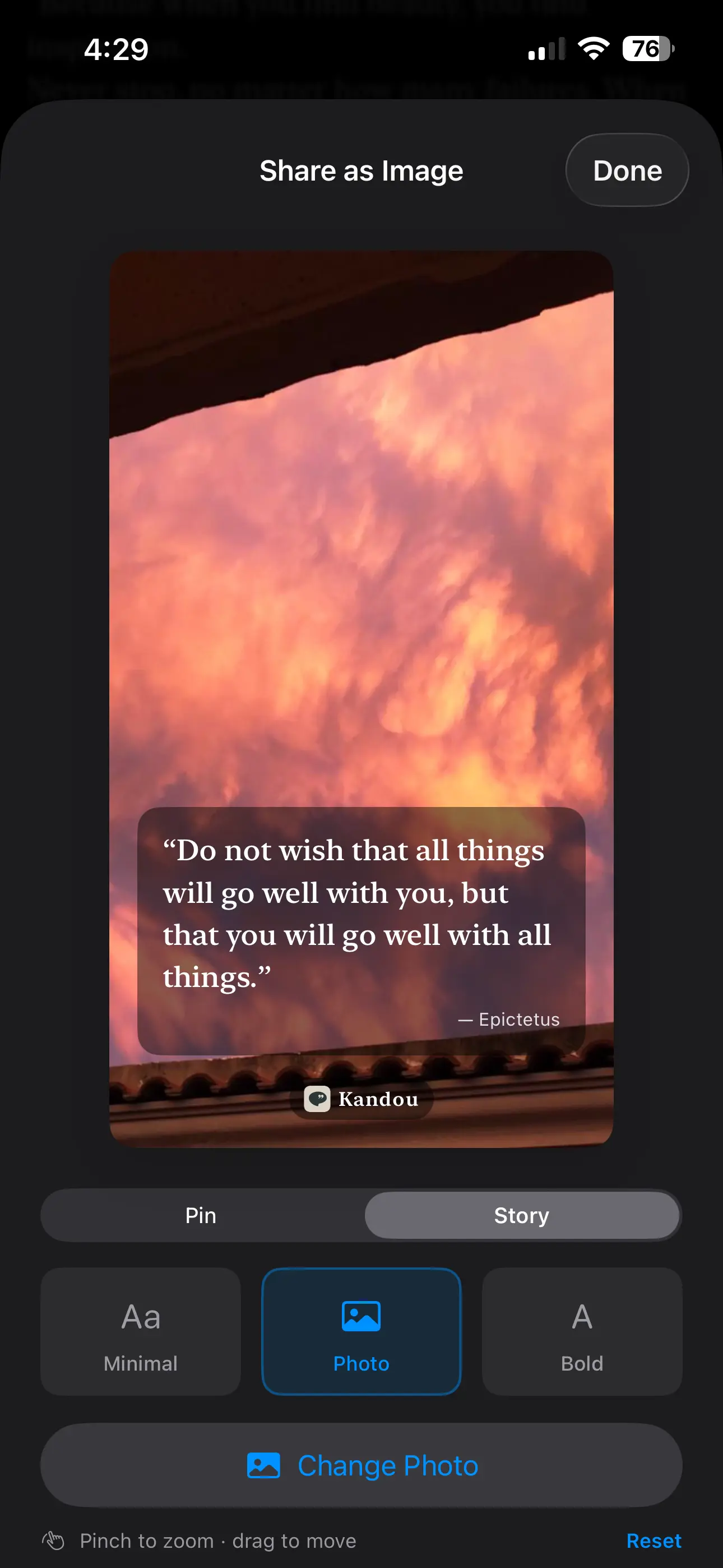
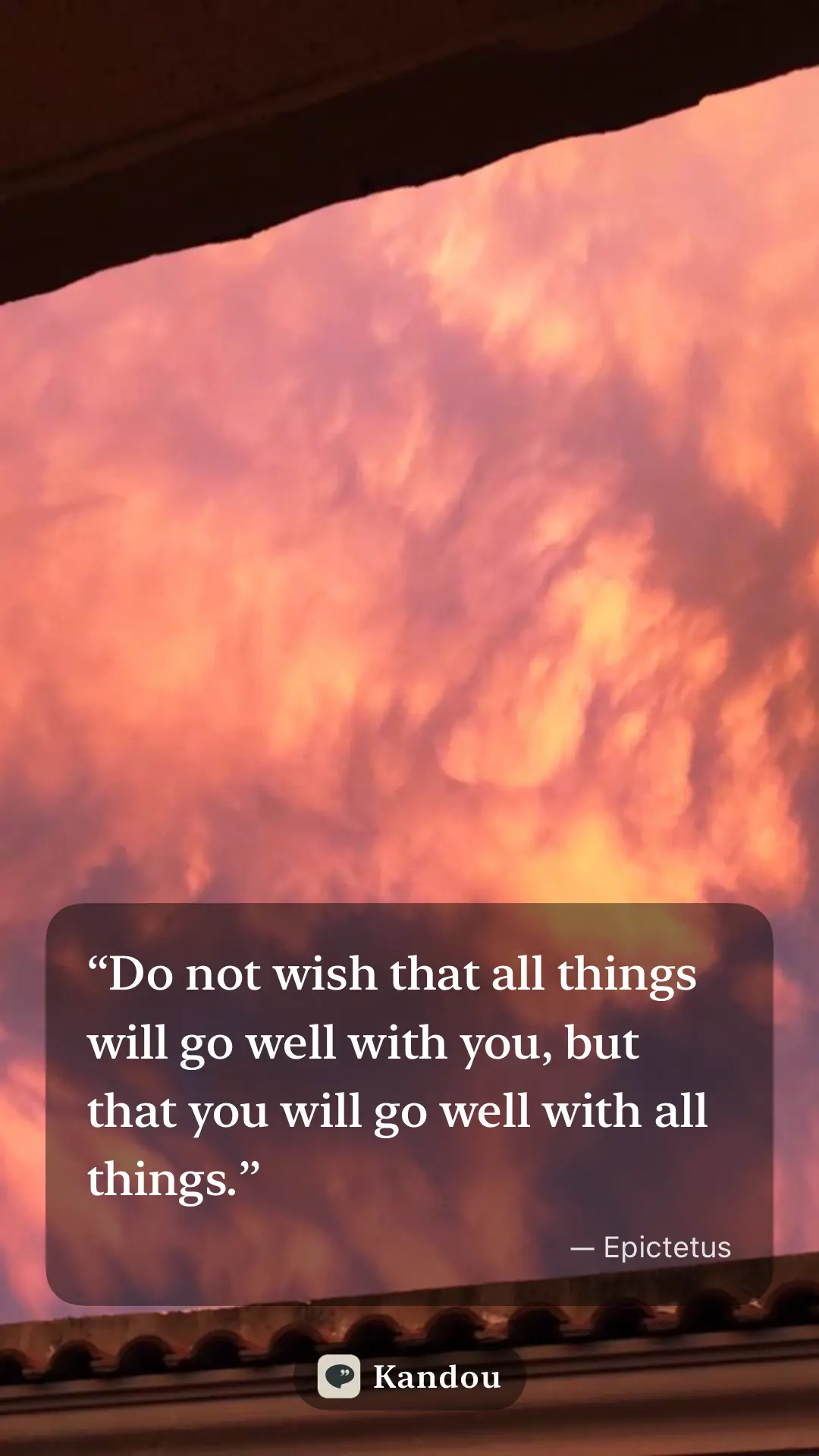
The quote in the images above is one of my favorites, because it really soothes any difficult situation. I like to share it with people I know when the moment feels right, and it has this powerful magic to shift our perspective in any circumstance. If you’re reading this post, I hope you take it as a gift.
Take back the reins
Smartphones are genuinely wonderful tools. The problem was never that they let us save too much. It’s that we drown in everything we’ve saved, and the few things we truly care about get buried with the rest. The fix isn’t to stop saving. It’s to take the reins back for the stuff that matters, with tools actually built to hand it back to you.
Your quotes deserve better than a graveyard in your camera roll. If you have lines you screenshotted and lost, Kandou is on the App Store, free for your first 15 quotes, and it’s built to make sure you actually see them again.
Got a quote that has stayed with you for years? I’d love to hear it. Get in touch.