What is Kanban? A Visual Guide to Getting Things Done
Most people manage their work with a to-do list. It works fine until it doesn’t.
At some point, the list gets long enough that you stop reading it. Everything lives in one column: groceries, tax documents, that call you keep putting off. You can’t see what’s urgent, what’s moving, or what’s actually finished. The list becomes something you add to but don’t trust.
There’s a better way, and its origin story is stranger than you’d expect.
An Idea from the American Supermarket
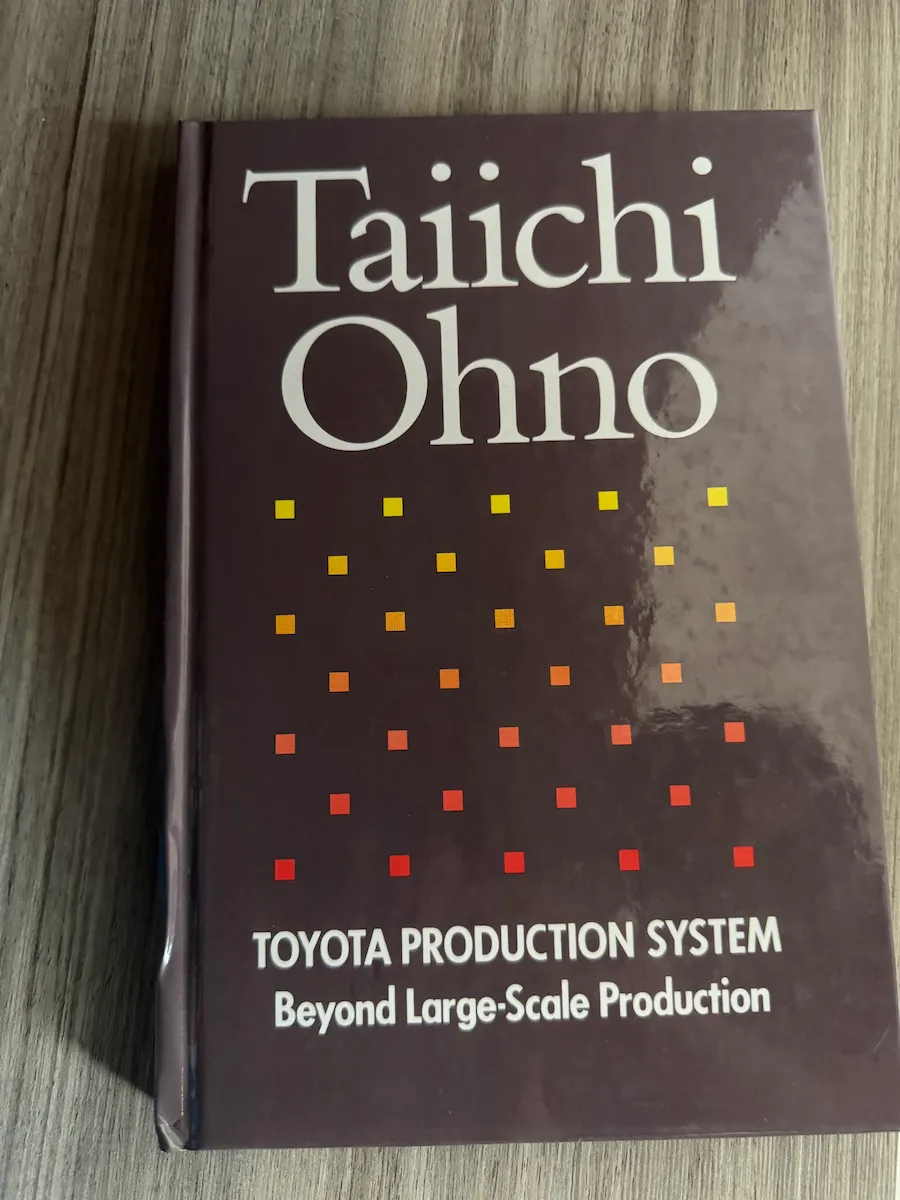
In his book Toyota Production System, Taiichi Ohno, the engineer who developed the system, describes how the idea for kanban didn’t actually start on a factory floor. It started in an American supermarket.
After World War II, American products flooded into Japan, and supermarkets became a source of fascination for Japanese visitors. Ohno was struck by one thing in particular: how supermarkets replenished their shelves. A customer takes what they need, in the quantity they need, and the store restocks exactly what was taken. Nothing more, nothing less. No waste, no guessing.
Ohno realized that Toyota’s production line could work the same way. Instead of pushing parts from one stage to the next based on a schedule, each stage would go to the previous one and “pull” only what it needed, only when it needed it. The tracking slips they used to record this exchange (listing what part, how many, where it came from) were called kanban, Japanese for “signboard.”
Toyota first applied this in their machine shop around 1953. By the time Ohno visited American factories and supermarkets in 1956, the system was already proving itself. The concept of making work visible, and letting the work itself signal what comes next, had taken hold.
That insight is the foundation of every Kanban board you see today.
How Kanban Actually Works
A Kanban board has two basic parts.
Columns represent stages. The classic setup is just three:
- To Do: things you haven’t started yet
- In Progress: things you’re actively working on
- Done: things you’ve finished
Cards represent individual tasks. Each card lives in one column at a time and moves left to right as you make progress.
No certifications, no complex methodology. Just columns, cards, and movement.
Why It Works Better Than a List
Kanban works because it makes your work visible. When tasks are buried in a list, they’re abstract. On a board, you can see the shape of your workload at a glance.
Progress feels real. Moving a card from “In Progress” to “Done” is satisfying in a way that checking a box rarely is. You can see the Done column fill up over time.
Bottlenecks become obvious. If your “In Progress” column is packed while “To Do” keeps growing, you can see immediately that you’re spread too thin. A list hides this.
Priorities sort themselves out. When you’re working with a handful of cards instead of a wall of tasks, you naturally focus on what matters most right now.
Context-switching decreases. A board encourages you to finish what you started instead of constantly jumping between tasks.
There’s a reason sticky notes on a whiteboard became a cliche in every creative studio and software team. The visual format clicks with how our brains actually process information.
Kanban in Real Life
Kanban isn’t just for software development. Here are a few ways people use it outside of work:
Planning a move. Moving is one of those situations that feels impossibly overwhelming until you break it down. A board turns the chaos into something manageable:
- To Do: get boxes, cancel utilities, update address, book movers
- In Progress: packing kitchen, sorting the garage
- Done: changed address at the post office, packed bedroom
You can glance at the board and instantly know what still needs doing, without losing track of all the things you told yourself you’d handle later.
Managing a side project. Whether you’re building an app, writing something, or renovating a room, side projects tend to stall because progress is hard to see. A board keeps momentum visible:
- Backlog: ideas and things you might get to
- This Week: the two or three things you’re committing to right now
- In Progress: what you’re actively working on
- Done: proof that you’re making progress
Seeing that Done column grow week over week is genuinely motivating.
Tracking job applications. Job hunting is stressful enough without losing track of where you applied and who responded:
- Researching: companies to look into
- Applied: waiting to hear back
- Interviewing: in the process
- Offer / Rejected: final outcomes
Instead of scrolling through emails trying to remember if you heard back from that one company, everything is right there.
Try It Today with Hense
If you want to put this into practice right now, Hense is the Kanban app I built for exactly this kind of personal use.
It’s designed for the Apple ecosystem: iPhone, iPad, and Mac all sync through iCloud, so your boards are always up to date wherever you are. There’s no account to create, no subscription to manage. One purchase, and it’s yours.
If you’ve been meaning to get your projects out of your head and into something you can actually see and act on, this is a good place to start.
Have a question about getting started, or want to share how you’re using Kanban? Get in touch. I’d genuinely love to hear from you.